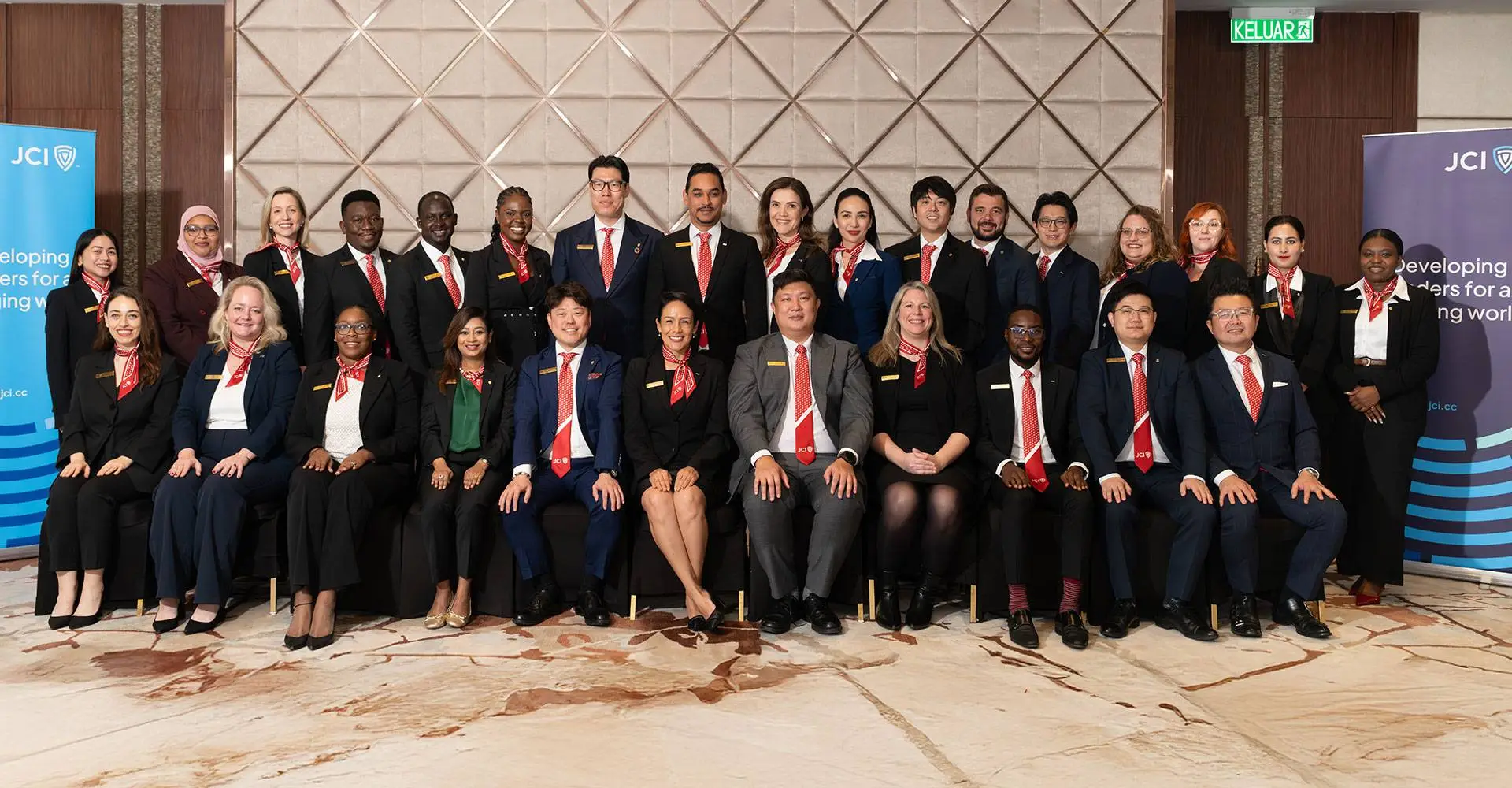
Developing Leaders for a Changing World
Join over 200,000 members across 100+ countries who are shaping a more just, sustainable, and inclusive world. At Junior Chamber International, we turn passion into action, and ideas into impact.
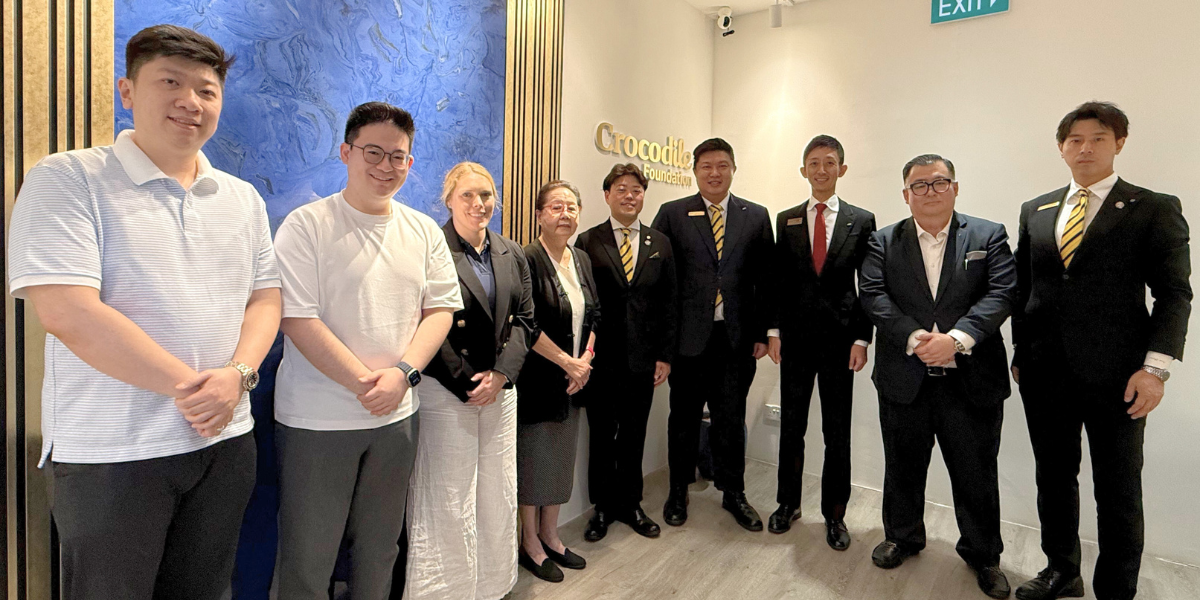
The Crocodile Foundation SDG Community Fund
Empowering JCI Leaders to execute high-impact, grassroots projects that advance the UN Sustainable Development Goals.
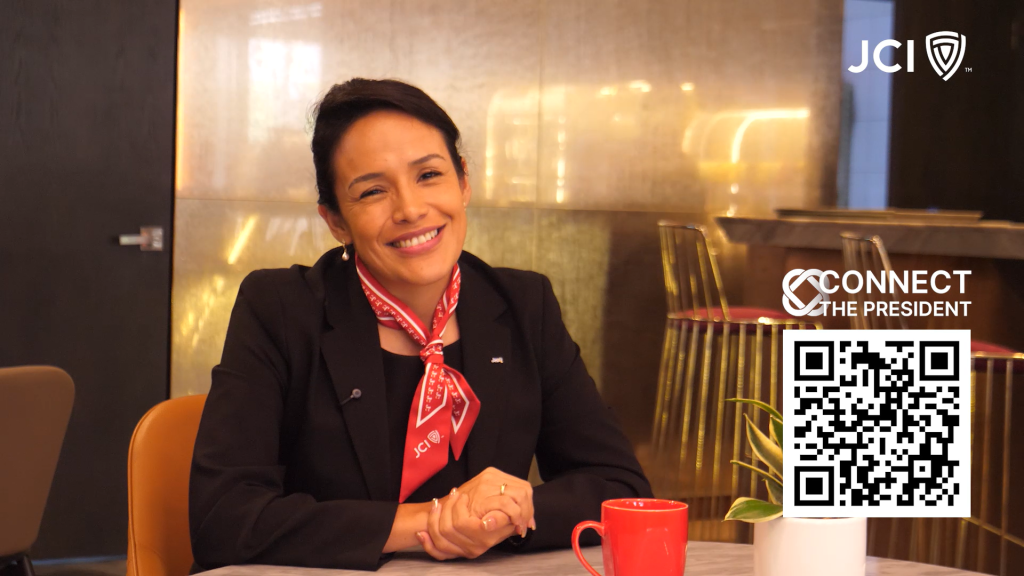
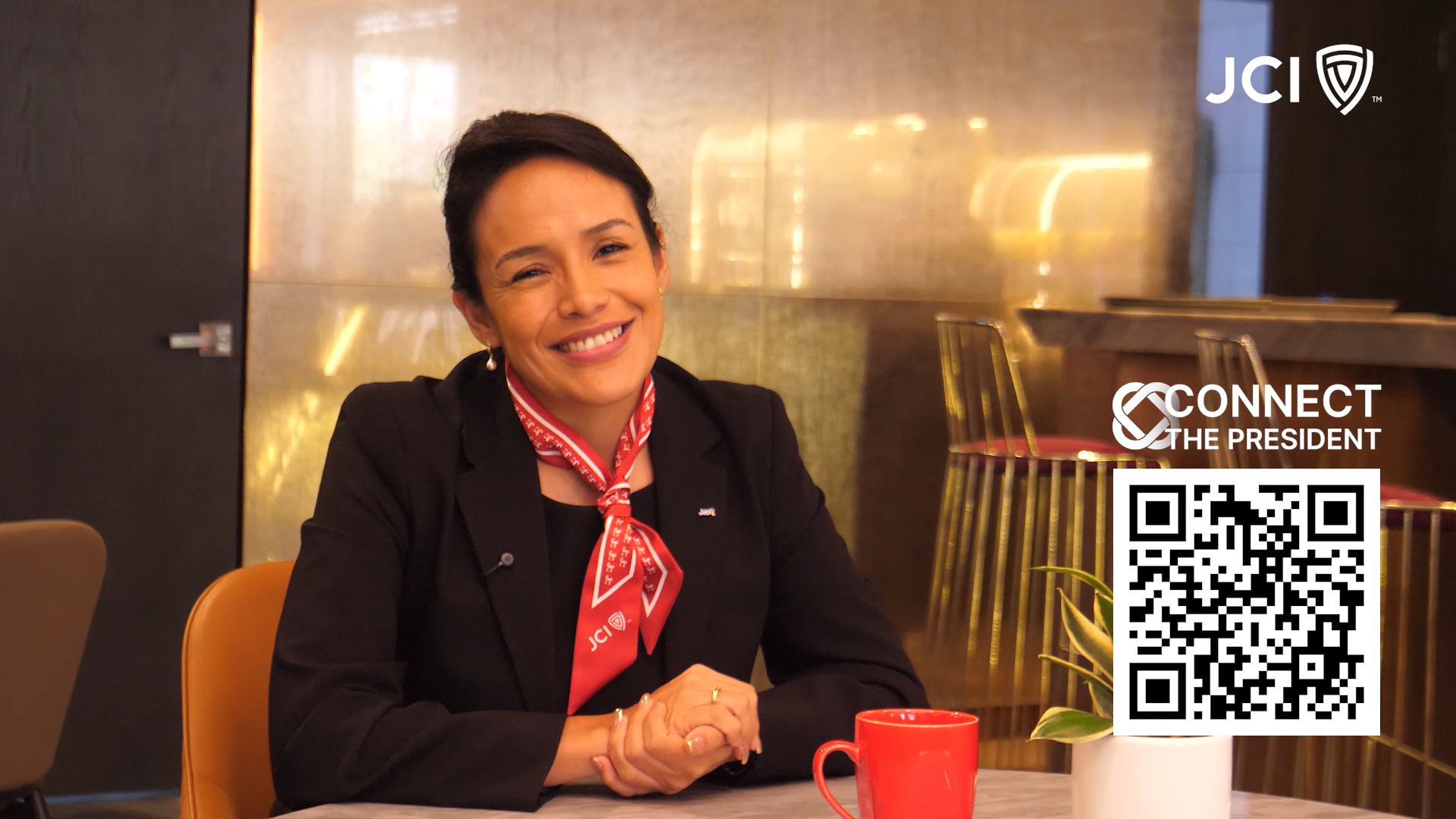
Connect the President: Stronger 2026 Leadership Through Connection
Connect the President lets JCI members connect with 2026 President Alejandra Castillo. Join the conversation, share insights, and grow through connection.
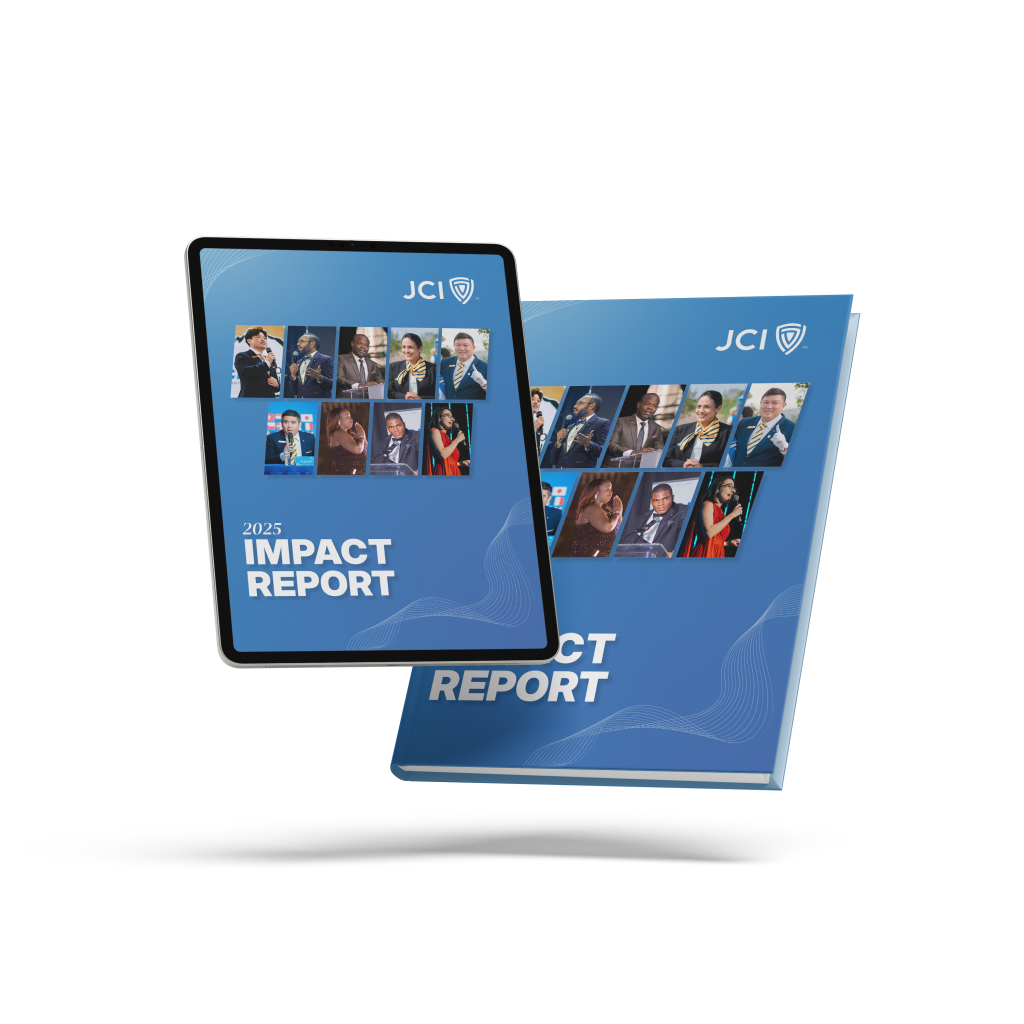
Discover how over 100,000 young leaders across 100+ countries turned ideas into impact. The JCI Impact Report 2025 highlights the year’s milestones and achievements, featuring 1,000+ projects that advanced all 17 UN Sustainable Development Goals through entrepreneurship, leadership, and community action. Together, we’re shaping a generation of bold, accountable changemakers creating a more sustainable world.
Read MoreBuilt for Leaders. Driven by Purpose.
Junior Chamber International is a global network of changemakers building better leaders for a better world. For over 100 years, we’ve helped young people grow through real-world projects, leadership training, and meaningful connections that drive positive change.



Four Areas of Opportunity
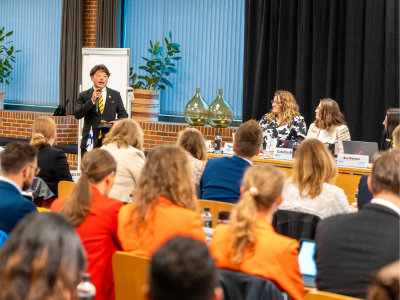
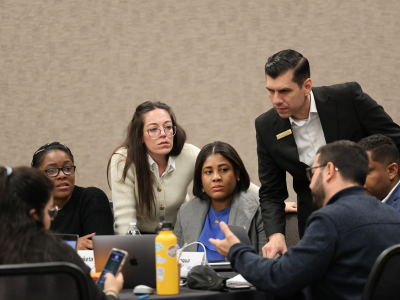
JCI develops young leaders by empowering personal growth, creating community impact, fostering international cooperation, and supporting business and entrepreneurship. Through these four areas, we shape active citizens who drive positive change locally and globally.
Business and Entrepreneurship
Fostering Innovation Through Business and Entrepreneurship

International Cooperation
Connecting Cultures Through Global Cooperation

Individual Development
Developing Young Leaders Through Personal Growth
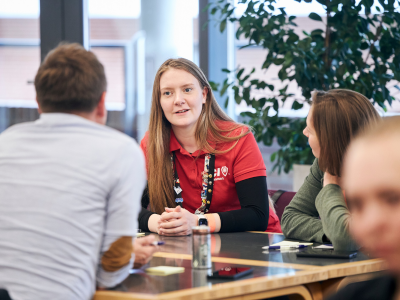
Community Impact
Building Better Communities Through Local Action
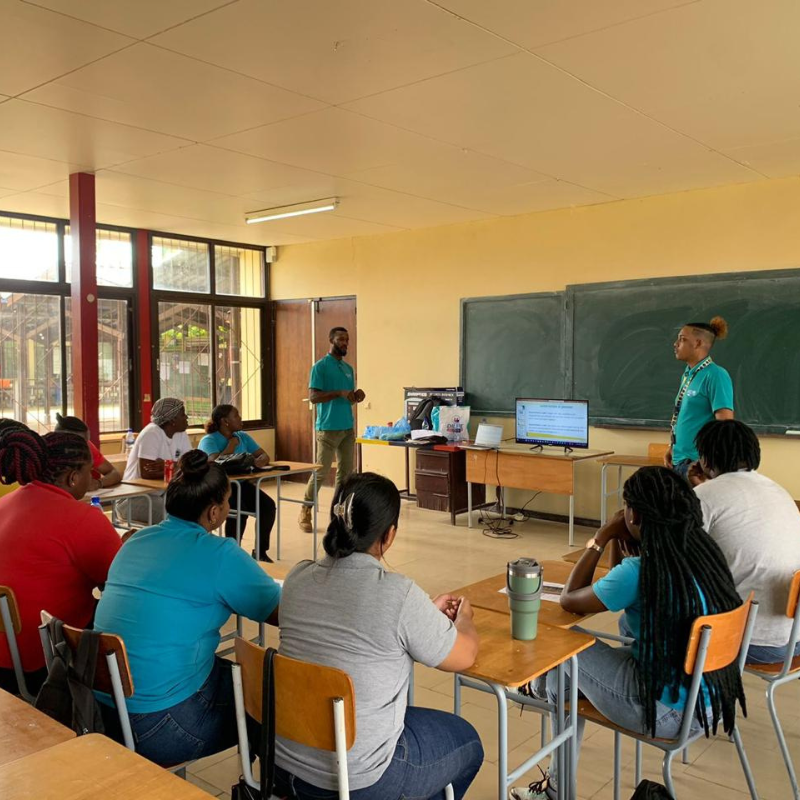
International Human Duties Day
10 July
As a global youth leadership organization developing leaders for a changing world, JCI promotes shared responsibility through the global recognition of human duties. Join us in building a more just and united world.
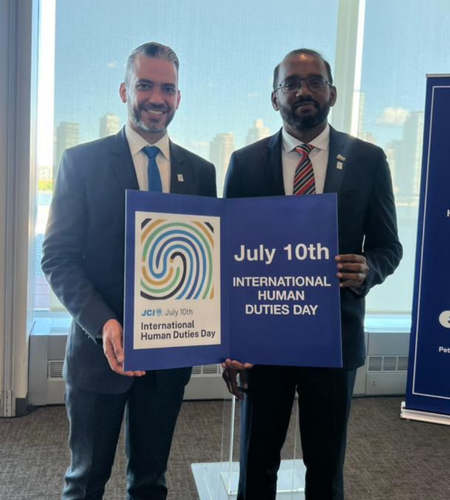
Meet. Learn. Elevate.
From regional leadership academies to international congresses, JCI events bring together ambitious changemakers from around the world. Expand your network, sharpen your skills, and experience the energy of global collaboration in action.
- Register
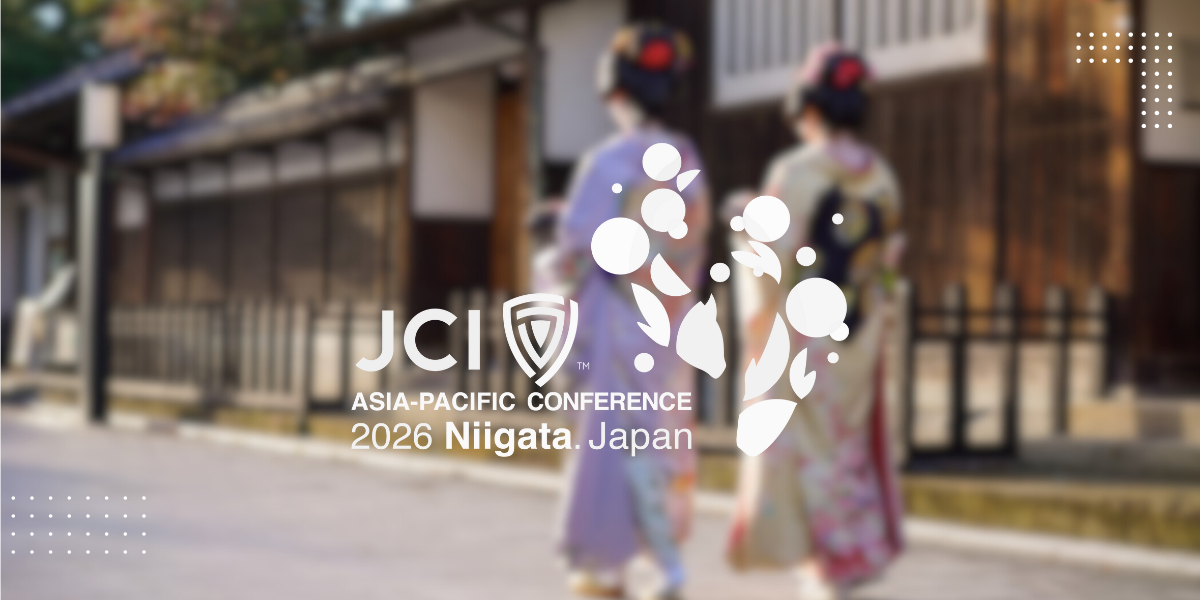
2026 JCI Asia and the Pacific Conference
Join young leaders from across the Asia-Pacific at the 2026 JCI Asia and the Pacific Conference in Niigata, Japan, from June 11–14, as we unite under the theme “Be the Change – For a Brighter Future.” Experience impactful forums, cultural immersions, and global networking in one of Japan’s most vibrant and inspiring regions.
- Register
Global Youth Summit 2026
The JCI Global Youth Summit brings together emerging leaders, diplomats, innovators, and global partners to explore how youth leadership can shape the future of sustainable development and international cooperation.
Over three dynamic days in New York City, participants will engage in leadership labs, policy simulations, innovation workshops, and global dialogue culminating in the presentation of the Youth Action Resolution 2026–2030.
- Register
2026 JCI World Congress
Join us for the 2026 JCI World Congress in Clark, Philippines, from November 11 to 15, where global young leaders will connect, collaborate, and create impact. Experience the vibrant spirit, creativity, and hospitality of the Philippines in an unforgettable celebration of leadership and unity.
Latest from JCI
Explore fresh perspectives, global updates, and leadership insights from the JCI network. Stay informed, stay inspired, and stay connected to the conversations that matter.
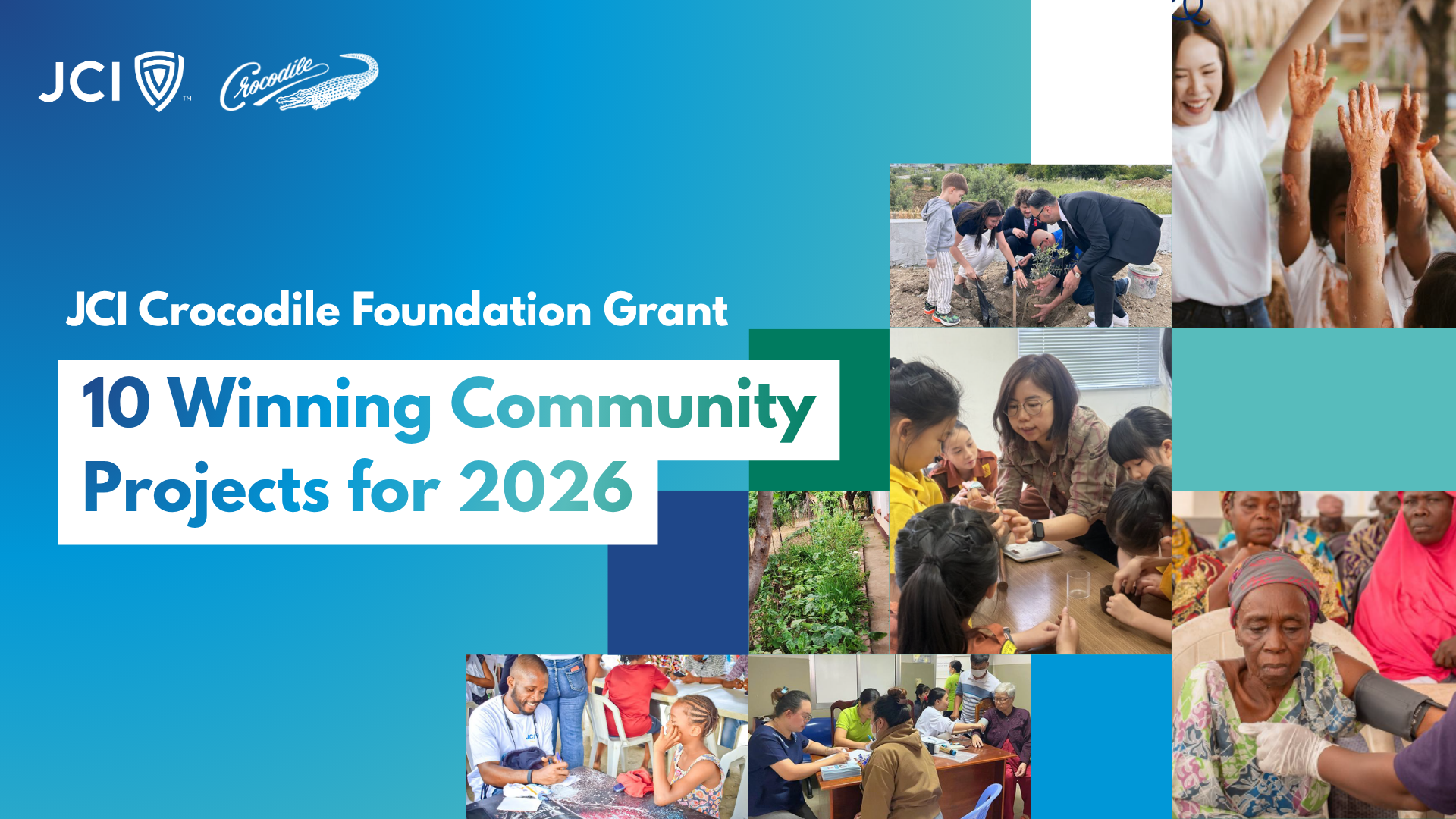
JCI Crocodile Foundation Grant Names 10 Winning Community Projects for
Read MoreThe JCI Crocodile Foundation Grant has awarded USD 72,800 to 10 community projects across 8 countries, advancing health, education, and sustainability in 2026.
Connect the President: Stronger 2026 Leadership Through Connection
Read MoreConnect the President is your invitation to grow through connection. Join the conversation, bring a question, share an insight, and help shape what leadership looks like in 2026.
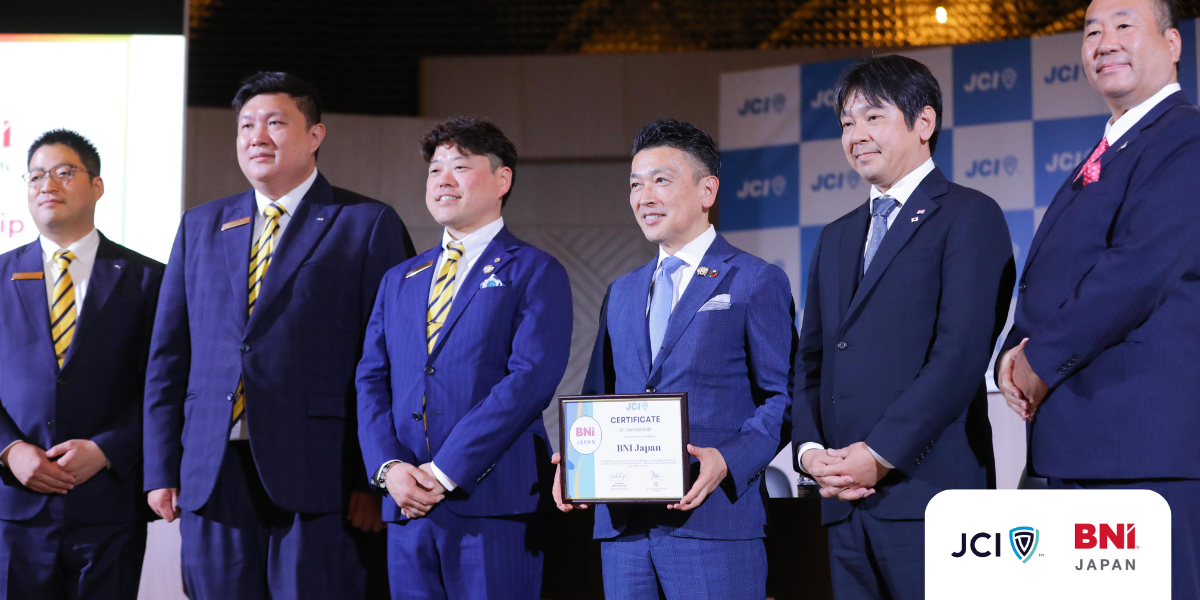
JCI and BNI Japan Join Forces to Expand Global Business
Read MoreNew partnership connects BNI Japan to JCI’s global network of young leaders, opening pathways for international collaboration, entrepreneurship, and sustainable growth.
The New JCI Logo: A New Era of Global Leadership
Read MoreDiscover the story behind JCI’s New Logo — a modern emblem of legacy, growth, and global leadership for the next generation of changemakers.
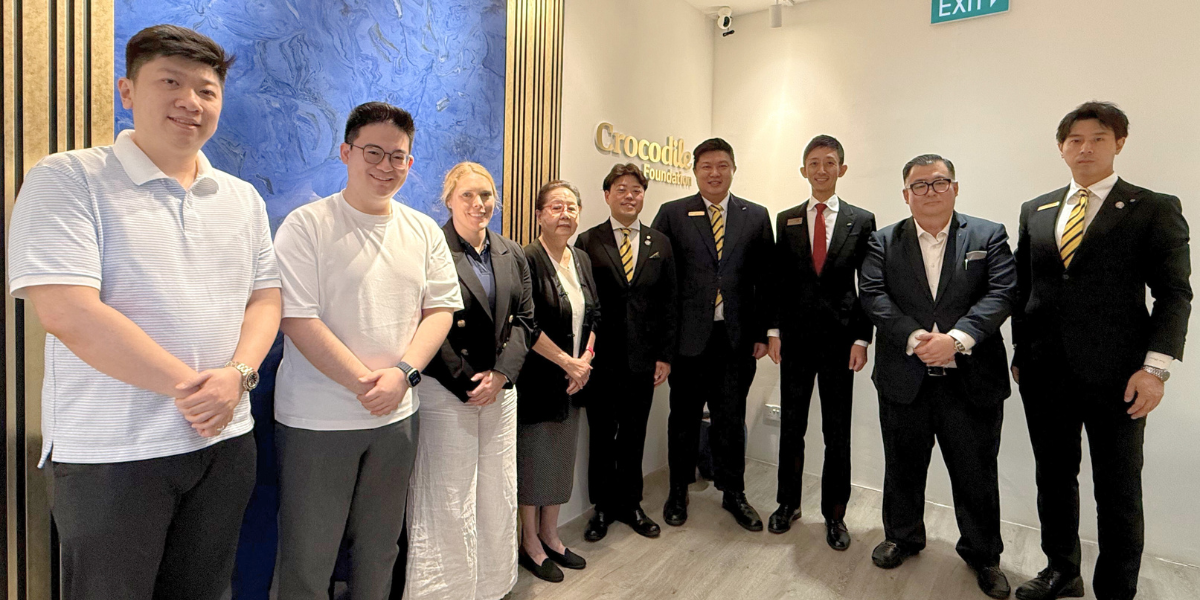
JCI Crocodile Foundation Partnership to Empower Communities Worldwide
Read MoreJCI and the Crocodile Foundation unite to empower communities through education, leadership, and sustainable development projects worldwide.
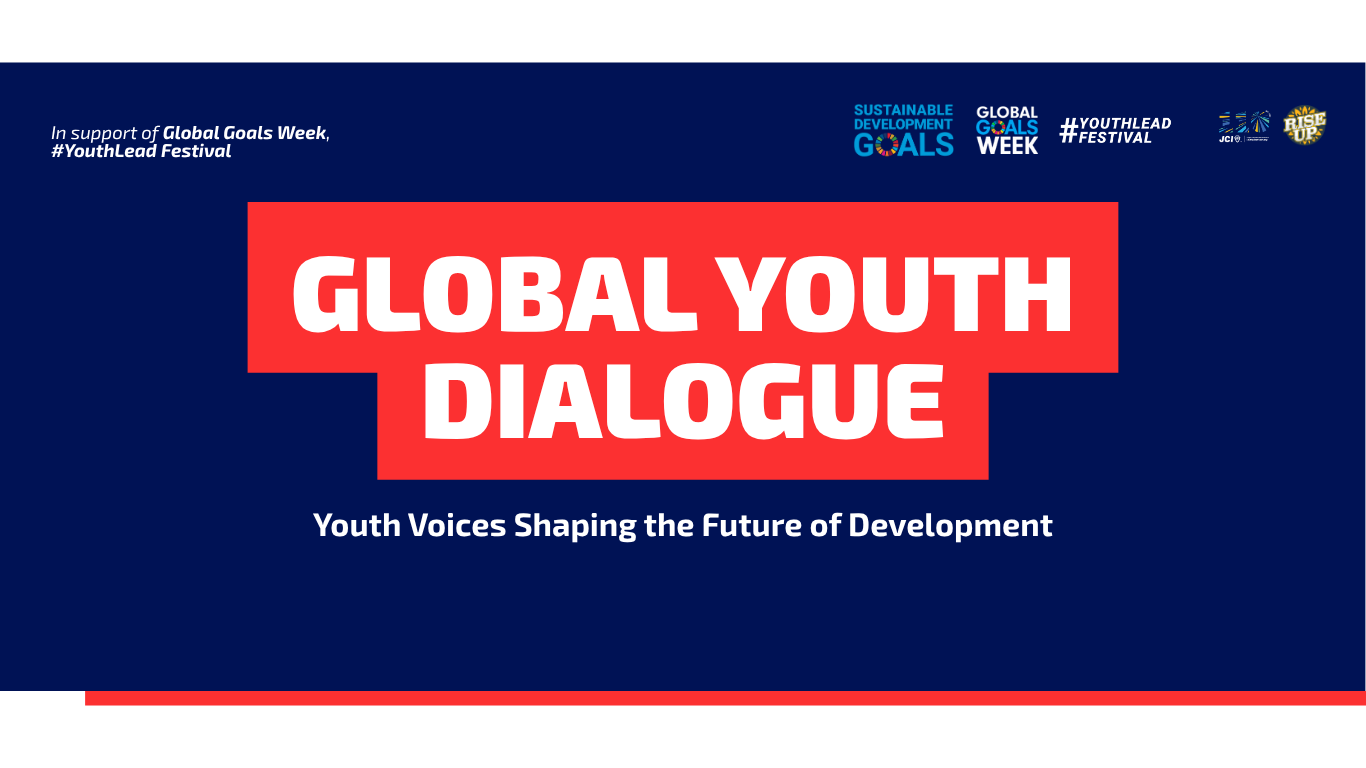
Global Youth Dialogue 2025: Youth Voices Shaping the Future of
Read MoreHosted by JCI, Global Youth Dialogue 2025 amplified youth voices driving leadership, collaboration, and progress toward the SDGs.
JCI President Keisuke 2025 Travels: August–September Journey
Read MoreJCI President Keisuke 2025 Travels across eight countries strengthened youth leadership, partnerships, and sustainable development worldwide.
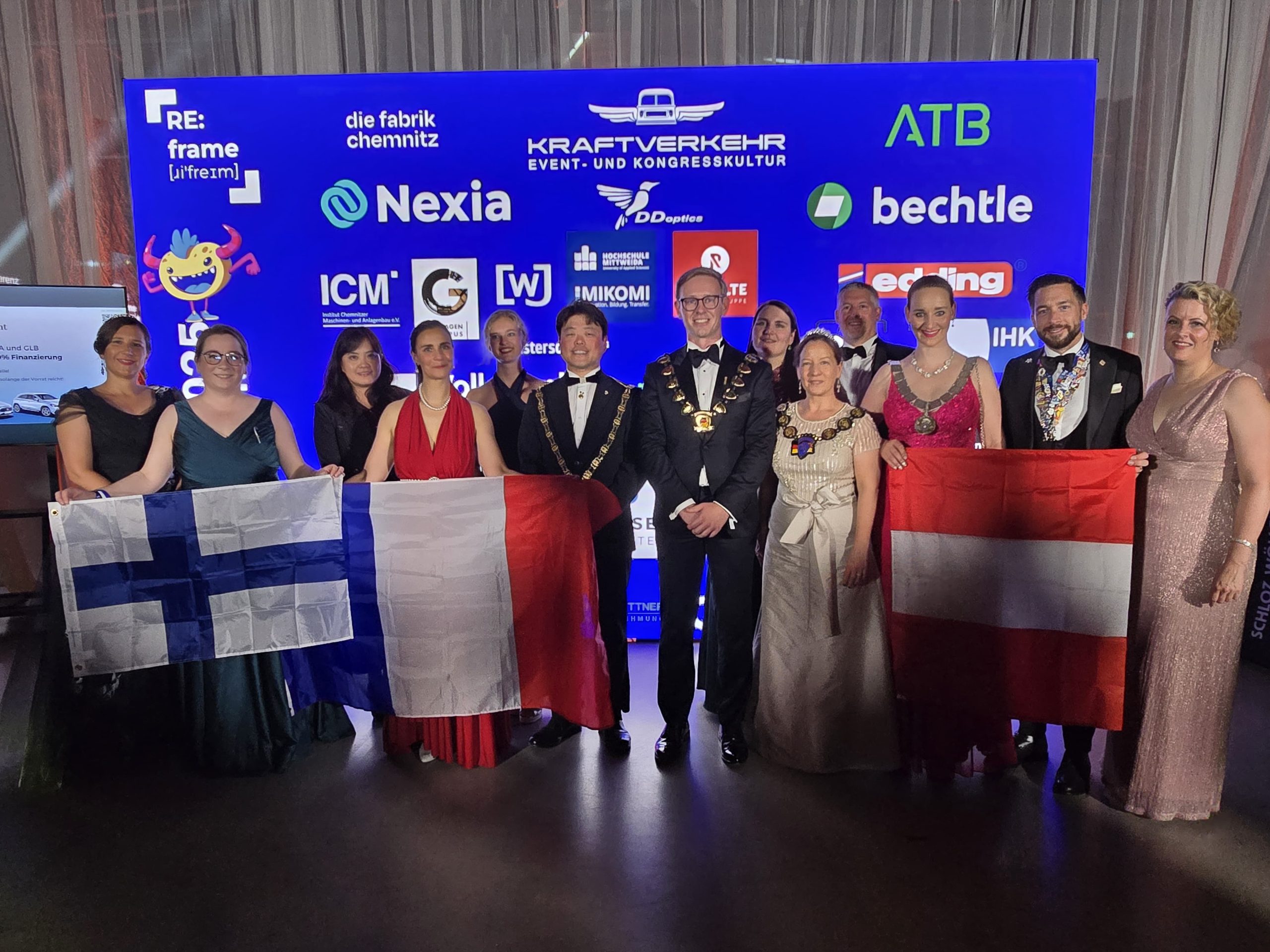
JCI President Keisuke 2025 Travels: Impactful July–August Journey
Read MoreJCI President Keisuke 2025 travels in July–August highlight youth leadership, diplomacy, and partnerships across Asia and the Americas.
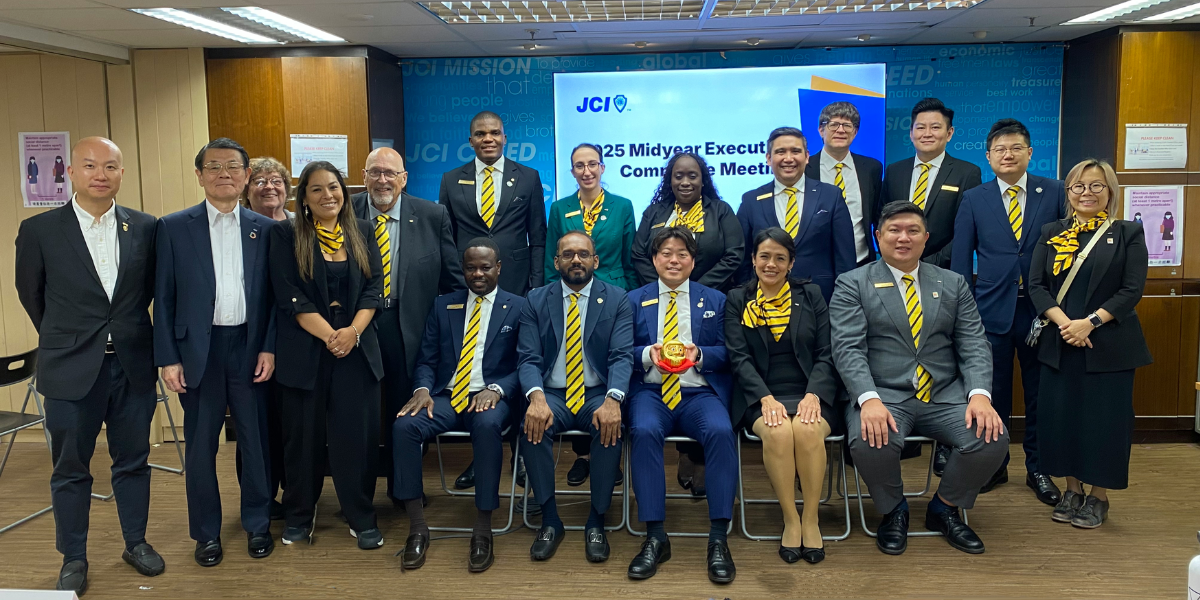
From Vienna to the World: JCI Strengthens Collaboration with the
Read MoreJCI is proud to have deepened its partnership with the Ban Ki-moon Centre for Global Citizens (BKMC) during a significant week of multilateral engagement and global cooperation in Vienna, Austria.
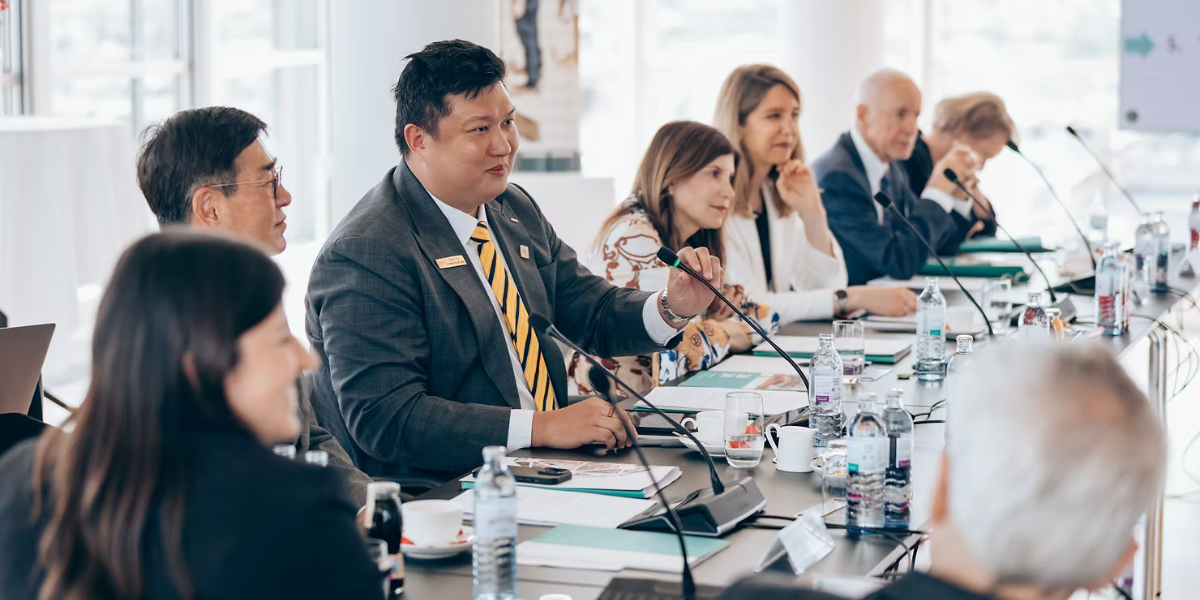
Ready to Lead?
Whether you want to grow personally, serve your community, or build something bigger than yourself—JCI, a global youth leadership organization, gives you the tools, the people, and the platform to do it. As part of developing leaders for a changing world, you can join as a member or volunteer and start making change happen today.
Become A Member
Impact in Action
Every JCI member has a story—and each begins with the choice to step up. As a global youth leadership organization developing leaders for a changing world, we share how young changemakers launch community projects, build social enterprises, and lead initiatives that transform lives and inspire others.

I challenge every young visionary here to lead, here to innovate, and dare to create our future that needs change.
Kazi Fahad
2025 National President
Bangladesh
JCI has shaped me in to the leader that I am today. It has helped me understand my role in community building and also the part that I play in building the future today.
Oluwatoyin Atanda
2025 National President
Nigeria
JCI always close the gaps where you can find new opportunities in the three levels. In the local level in your own community. National level, developing your country and also having a lot of contacts and new, possibilities in the international area.
Alejandra Castillo
2025 JCI Treasurer
JCI Bolivia
It’s more than just an organization — it’s a leadership academy, a catalyst for destiny.
Mohamed Fofana
2025 Local Organization President
JCI Guinea
For me, JCI means a school of leadership, brotherhood, and social awareness.
Cristhian Reyes
2025 Vice Presidente de Oportunidades Comerciales
JCI Honduras
JCI for me means family, friends, and opportunities.
Roberta Meyer
2025 WI Vice President of Management
JCI USA
Fuel Global Impact Through Strategic Collaboration
At JCI, a global youth leadership organization, we believe in the power of partnership to create sustainable change. By working with companies, institutions, and organizations that share our values, we’re building stronger communities and developing leaders for a changing world.
Together with our partners, we support initiatives that develop young people, drive innovation, and address global challenges—from grassroots projects to international campaigns. Whether through sponsorship, co-branded programs, or long-term alliances, every partnership helps us scale our mission across borders.
Global Partners